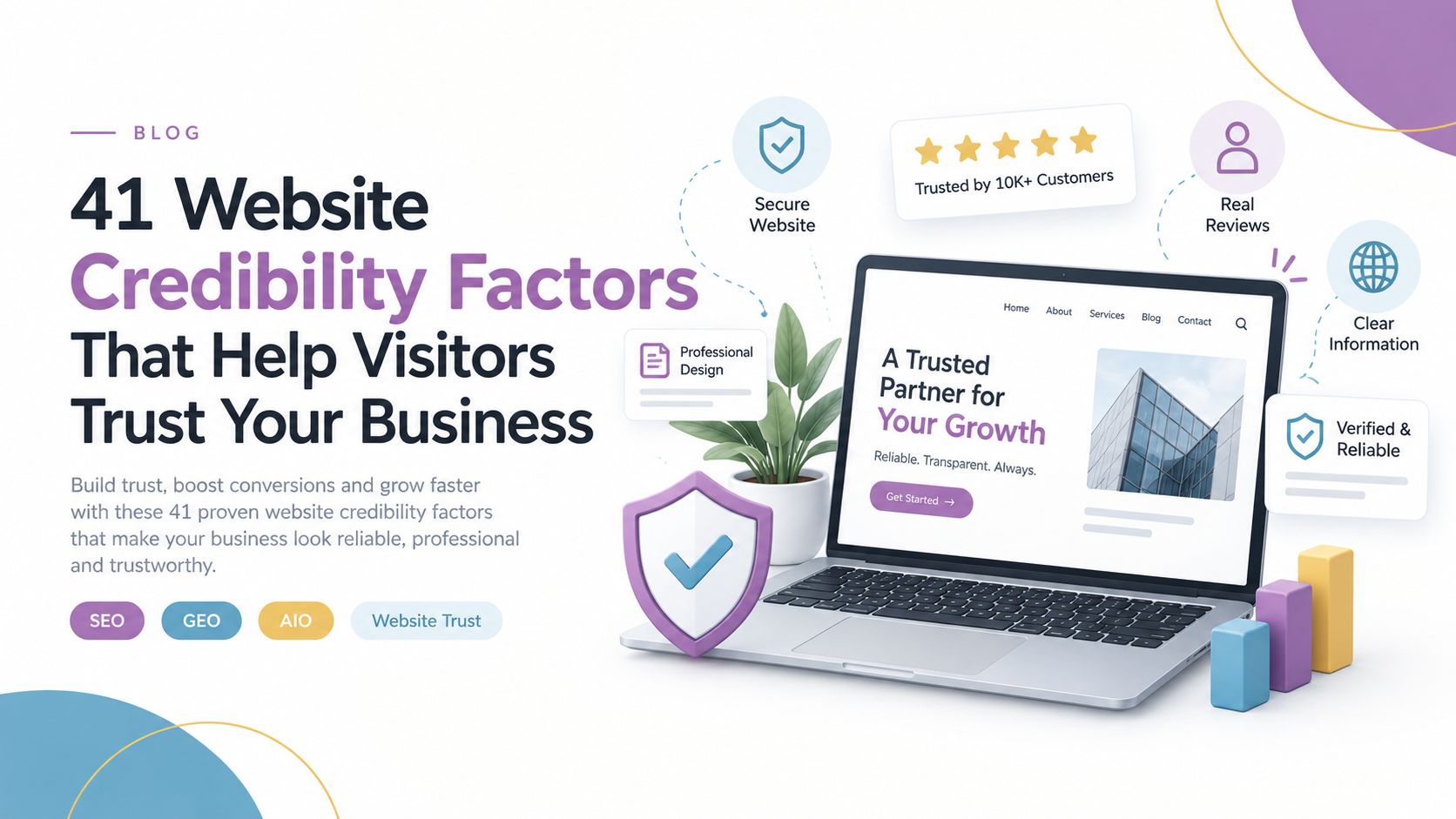
How to Make Your Business Website Look More Trustworthy and Credible
Your website may attract visitors, but trust is what helps turn them into customers. Discover 41 practical ways to make your website more credible, useful and easier to trust.
How to Make Your Business Website Look More Trustworthy and Credible
Your website can look professional, rank on Google and attract visitors — but if people do not trust it, they may never become customers.
Website credibility is about giving visitors enough confidence to take the next step. That might mean making an enquiry, booking a service, requesting a quote, making a purchase or simply contacting your business.
People make quick judgements online. When they land on an unfamiliar website, they are naturally asking:
- Is this business legitimate?
- Can I trust them?
- Do they understand what they are doing?
- Can I contact them if something goes wrong?
- Is this company worth my time and money?
Your website needs to answer those questions clearly.
Here are 41 factors that can strengthen your website’s credibility and make it easier for visitors to trust your business.
1. Be Consistent
Trust develops over time. Keep your branding, messaging, content and customer experience consistent across your website, Google Business Profile, social media and other digital channels.
2. Avoid Unnecessary Form Fields
Do not ask visitors for information you do not need. A short, simple enquiry form is usually less intimidating than a form asking for excessive personal details.
3. Add Useful FAQs
Answer the questions customers regularly ask before they contact you. Good FAQs reduce uncertainty and demonstrate that you understand your customers' concerns.
4. Keep Jargon Under Control
Write so your customers can understand you. Technical language may be appropriate for specialist audiences, but unnecessary jargon can make otherwise simple information difficult to follow.
5. Keep Your Website Content Current
An abandoned-looking website can create doubt. Keep important pages, service information, contact details and blog content updated.
6. Demonstrate Genuine Expertise
Show visitors that you know your industry. Publish useful guides, explain your services clearly and answer real customer questions.
Expert content can also support your visibility across traditional search and AI-powered search experiences.
7. Avoid Excessive Advertising
Advertising should not interfere with the experience of using your website. Too many pop-ups, banners or promotional interruptions can make the site feel less trustworthy.
8. Make Customer Support Easy
Visitors want to know they can reach a real person when they need help. Provide clear contact options such as phone, email, live chat or enquiry forms where appropriate.
9. Reference Reliable Sources
When you make factual or statistical claims, support them with credible sources. Referencing evidence helps demonstrate that your content is based on research rather than unsupported statements.
10. Display Customer Testimonials
Testimonials show potential customers what working with your business is actually like. Include specific feedback wherever possible rather than generic praise.
11. Include Customer Reviews
Reviews provide another form of social proof. Display genuine reviews and make it easy for visitors to understand what existing customers think about your products or services.
12. Highlight Independent Reviews
Reviews from respected publications, industry websites or independent reviewers can provide additional credibility because the recommendation does not come directly from your business.
13. Use Relevant Trust Signals
Security certificates, recognised payment providers, professional memberships and legitimate accreditation can reassure visitors.
Only display trust badges and certifications that genuinely apply to your business.
14. Showcase Notable Customers
If you have worked with recognised brands, organisations or businesses, displaying those relationships can provide useful social proof.
Always make sure you have permission to use customer logos.
15. Publish Case Studies
Case studies demonstrate how your business solves real problems.
A strong case study can explain:
- The customer's challenge
- Your approach
- The solution
- The outcome
- What the customer had to say
16. Build Professional Relationships
Connections with respected organisations, industry groups and established businesses can strengthen your reputation.
Professional associations and partnerships can also demonstrate that your business is active within its industry.
17. Show Customer Experience
Let visitors see who you work with and the types of projects you handle.
For B2B businesses, displaying relevant industries, client types or project examples can help prospects understand whether your business is suitable for them.
18. Use Third-Party Validation
Being mentioned, reviewed or featured by another credible organisation can provide an additional layer of trust.
Examples include industry publications, business directories and reputable associations.
19. Highlight Genuine Media Coverage
If your business has been mentioned by relevant media outlets, include those mentions on your website.
Media coverage can help demonstrate that your business has recognition beyond its own marketing channels.
20. Display Relevant Awards
Awards can reinforce credibility when they are legitimate and relevant to your industry.
Do not fill your website with meaningless badges. Quality matters more than quantity.
21. Share Expert Feedback
If recognised professionals or industry experts have reviewed your work, consider featuring their feedback where it is relevant and permitted.
22. Contribute to Industry Publications
Guest articles, expert contributions and interviews can introduce your business to new audiences while demonstrating knowledge within your field.
Want to know how your website really stacks up?
Run our free Website & AI Visibility Audit to see how you rank on Google — and in AI search results.
- Free, no-obligation report
- Delivered in minutes
- See exactly what to fix first
23. Use Advertising to Build Familiarity
Advertising is not only about immediate conversions.
Consistent advertising across channels such as Google Ads, Meta or YouTube can help people become familiar with your business before they visit your website.
24. Build a Recognisable Brand
Your brand is more than a logo.
Consistent colours, messaging, imagery, tone and positioning help people recognise your business and understand what you stand for.
25. Invest in Professional Website Design
Your website is often one of the first places a potential customer encounters your business.
A professional design can communicate quality and attention to detail. Poor layouts, outdated visuals and confusing pages can create doubt before someone even reads your offer.
26. Use Clear Typography
Your visitors should not have to work hard to read your website.
Use:
- Readable font sizes
- Strong contrast
- Clear headings
- Comfortable spacing
- Consistent typography
Good typography improves comprehension and makes your website easier to navigate.
27. Make Your Content Easy to Understand
Simple does not mean basic.
Break complex information into short sections, headings, bullet points and clear explanations.
Your visitor should quickly understand:
Where am I?
What does this business offer?
Why should I choose it?
28. Check Your Grammar and Spelling
Small mistakes happen, but repeated spelling and grammar errors can make a business appear careless.
Proofread important pages, especially service pages, pricing information, contact pages and calls to action.
29. Make Site Search Useful
If your website has a lot of content or products, visitors should be able to find what they need quickly.
A useful search function can reduce frustration and help visitors move towards the right page.
30. Build Clear Navigation
Visitors should not have to hunt for important information.
Your navigation should make key pages easy to find, including:
- Services
- About
- Contact
- Products
- Pricing
- Resources
- Case studies
31. Prioritise Ease of Use
Every important action on your website should feel straightforward.
Ask yourself:
- Can visitors find information quickly?
- Can they contact you easily?
- Can they complete forms without confusion?
- Is the website easy to use on mobile devices?
- Are important calls to action obvious?
32. Fix Technical Problems
Broken links, missing pages, slow-loading content, form errors and other technical problems can quickly damage trust.
Regularly check your website for technical issues and fix problems before customers encounter them.
33. Make Contact Information Obvious
A credible business should be easy to contact.
Depending on your business, include:
- Phone number
- Email address
- Business address
- Contact form
- Opening hours
- Social media profiles
- Service areas
Do not make visitors search through multiple pages just to find your phone number.
34. Introduce Your Team
People want to know who they are dealing with.
Team photos, short biographies, professional profiles and founder information can make a business feel more genuine and approachable.
35. Use High-Quality Visuals
Your images should support the information on the page.
Use real project photos, product images, team photography, diagrams and other relevant visuals wherever possible.
Avoid filling your website with generic stock imagery that adds little value.
36. Publish Clear Policies
Make important policies easy to find.
Depending on your business, these may include:
- Privacy policy
- Returns policy
- Refund policy
- Shipping information
- Terms and conditions
- Warranty information
Clear policies reduce uncertainty before a customer commits.
37. Use Descriptive Link Text
Links should tell visitors where they are going.
Instead of using vague phrases such as "click here", use descriptive text such as:
View our website design services
This improves clarity and accessibility.
38. Explain Products, Services and Orders Clearly
Customers want to know exactly what they are getting.
Explain important details such as:
- What's included
- Delivery timeframes
- Service inclusions
- Shipping costs
- Product specifications
- Warranty terms
- What happens after purchase
The more uncertainty you remove, the easier it becomes for customers to make a decision.
39. Reduce Friction
Make the next step easy.
Do not force visitors through unnecessary pages or complicated processes.
If someone wants to request a quote, make requesting a quote simple.
If they want to book, make booking simple.
If they want to contact you, make contact simple.
40. Be Transparent About Pricing
Pricing depends on the business model.
Some businesses benefit from displaying clear prices, while others require a customised quote.
Either way, avoid creating unnecessary uncertainty. If exact pricing cannot be displayed, explain what affects the cost and provide an easy way to request a quote.
41. Stand Behind Your Offer
Guarantees and warranties can reduce perceived risk.
If your business offers a genuine warranty, satisfaction guarantee, service commitment or other customer protection, explain it clearly.
Do not make promises you cannot consistently deliver.
Why Website Credibility Matters
Website credibility is not created by one testimonial, one badge or one attractive homepage.
It is the result of many small signals working together.
Your design communicates something.
Your content communicates something.
Your reviews communicate something.
Your technical performance communicates something.
Your contact information communicates something.
Even a broken link or outdated page can communicate something about how your business operates.
For businesses competing for customers online, credibility is especially important because visitors may compare several companies before making a decision.
A professional website can help you move from:
"Who are these people?"
to:
"They look like they know what they're doing."
and eventually:
"I'm comfortable contacting them."
Website Credibility Also Supports Search Visibility
Credibility is not only about convincing people.
Your website also needs to provide useful, well-structured and trustworthy information that search engines and AI-powered search systems can understand.
That means businesses should think beyond traditional SEO.
A strong digital presence can combine:
- SEO
- Local SEO
- Google Business Profile optimisation
- Helpful content
- Website performance
- Clear business information
- Reviews and reputation
- AEO
- GEO and AI visibility
- Strong internal linking
- Technical optimisation
The goal is not simply to get more visitors.
It is to help the right people find you, trust you and take action.
Final Thoughts
There is no single credibility feature that will transform every website.
A local trades business may benefit heavily from reviews, service-area information, project photos and clear contact details.
An ecommerce business may need strong product information, reviews, secure payment options and transparent delivery policies.
A professional services firm may need case studies, expertise, credentials and clear information about its team.
The important thing is to understand what your customers need before they are willing to take the next step.
Review your website from a customer's perspective.
Ask:
Does this website look trustworthy?
Does it answer my questions?
Can I verify the business?
Can I easily contact them?
Do I understand what happens next?
If the answer is yes, your website is doing more than looking professional — it is helping turn attention into trust and trust into business.
Need a More Credible Website?
At Corporality Media (CMedia), we help businesses improve their website design, SEO, local visibility, content and digital presence.
From website design and development to SEO, Google Business Profile optimisation, AEO, GEO and AI visibility, we focus on building digital experiences that are designed to be found, understood and trusted.
Want to know how credible your website is? Get in touch with the CMedia team for a website review.
Frequently Asked Questions
<p>A credible website usually combines professional design, accurate information, clear contact details, customer reviews, useful content, strong security, simple navigation and transparent policies.</p>
<p>Start with the basics. Add genuine reviews, show your team or work, make contact details easy to find, explain your services clearly and remove confusing or outdated information.</p>
<p>Yes. When visitors have confidence in a business they are more likely to continue exploring the website and take actions such as making an enquiry, booking a service or completing a purchase.</p>
Related Content You Might Like
 Business Marketing
How Australian Businesses Can Optimise for AI Search and Generative Engine Optimisation (GEO)
A practical 2026 guide to improving AI search visibility, building digital authority and helping Australian businesses become easier for AI systems to understand and recommend.
Corporality Media Team
8 September 2026
 Business Marketing
How AI Search Is Changing the Way Australian Businesses Market Themselves in 2026
AI search is changing how Australian buyers discover, compare and choose businesses, making search visibility about more than traditional Google rankings.
Corporality Media Team
25 August 2026
The GA4 Reports That Matter Most to Manufacturing and Distribution Businesses
Most GA4 dashboards overwhelm manufacturers and distributors with vanity metrics. Here are the GA4 reports that actually reveal enquiry quality, buyer intent and commercial demand.
Corporality Media
17 June 2024
 Business Marketing
How to Select the Right Audience for a Promotional Campaign
Audience selection quietly determines most of your campaign result. Here is a practical way to choose the group most likely to respond, and to leave the rest alone.
Corporality Media Team
31 August 2019
 Business Marketing
How to Launch a New Product With a Strong Marketing Plan
Launches rarely fail because the product was wrong. They fail because the plan stopped at the announcement. Here is how to structure a launch that keeps working afterwards.
Corporality Media Team
29 August 2019
 Business Marketing
The Role of Digital Education in Building Long-Term B2B Customer Relationships
B2B customer relationships are rarely built through a single sales conversation. For complex products and services, buyers often spend weeks or months researching options before they speak with a supplier.
Corporality Media Team
28 August 2019